Tuesday, December 16Huawei news & HarmonyOS updates

Tag: Huawei

Huawei Children Watch 4X 1.0.0.166 update and features
Updates & Firmware, Wearables & Health

Huawei Children Watch 4X 1.0.0.166 update and features

Download to install new update with Huawei Children's Watch 4X 1.0.0.166 released and sold in China. Children's Watch 4X is a smart watch that children love with many features. Size: Strapless 53mm x 45.7mm x 14.7mmScreen: 320x360 pixels, 1.41 inch AMOLED touch screenWeight: 67.7 g including strapStorage: 1 GB + 16 GBColor: Blue, pink, white PC + TPUConnection: Wifi, NFC, Bluetooth, Cellular NetworkPairing: Android 6.0 and above or iOS 9.0 and aboveSensor: Acceleration sensor, gyroscope sensorCamera: 2 cameras, front camera 5 million pixels, side camera 8 million pixelsWater Protection: 5 ATM waterproof up to 50 metersSound: Microphone and speaker https://consumer.huawei.com/cn/wearables/kids-watch-4x/ Huawei Kids Clock 4X 1.0.0.166 Update what's new New Christmas dial eggsSyst...
Huawei AppGallery Application Market PC version download
NEWS

Huawei AppGallery Application Market PC version download

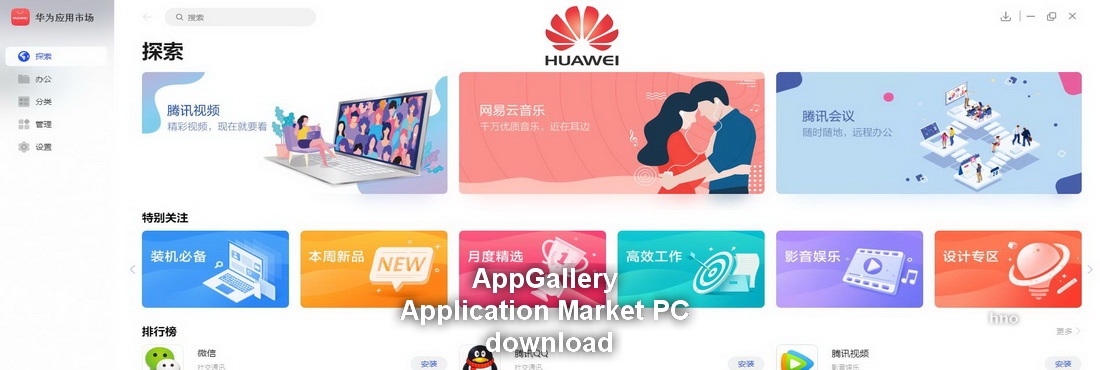
AppGallery Application Market is a platform with a lot of Android apps. Download, install and use the Huawei AppGallery Application Market PC version. You can try the apps available in AppGallery. You can use AppGallery PC and its version more convenient and efficient. The application is currently used extensively in China. Language option has not arrived yet. When the new version is available, we will publish it on our website. No official announcement has been made yet. AppGallery is available in the Web version, but only mobile applications are visible in the web version. PC AppGallery Application Market PC menu bar is in 5 categories. DiscoverOfficeClassificationAdministrationSettings Category ExplanationsExplore Category: Tencent Video, WPS, Tencent QQ, WeCh...
Huawei Mate 40 Pro gets EMUI 11.0.0.155 update
NEWS, Updates & Firmware

Huawei Mate 40 Pro gets EMUI 11.0.0.155 update

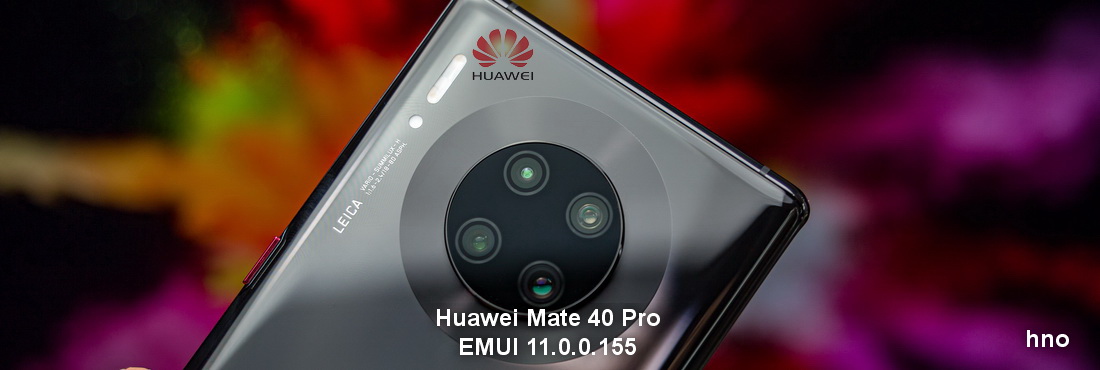
Huawei's Mate 40 Pro smartphone with advanced features released the system update EMUI 11.0.0.155. The EMUI 11.0.0.155 system update, which is 442 MB in size, may be on different dates according to the region and country. System update for Mate 40 Pro EMUI 11.0.0.155 optimizes system stability and update is recommended. To update the system: Check that the phone has sufficient charge. Tap Settings -> System -> Software update -> Check for Updates and Download. Huawei Mate 40 Pro and Huawei Mate 40 Pro +:5nm Kirin 9000 SoC chip,New super sensor Leica film imaging system,Front and rear dual cinema lenses (Front and rear double offer super wide angle)AI air-controlled control and Intelligent off-screen display88 ° super curved ring screen are some of its features.
Huawei produces wireless fast charging holder for Smart Car Display
Reviews

Huawei produces wireless fast charging holder for Smart Car Display

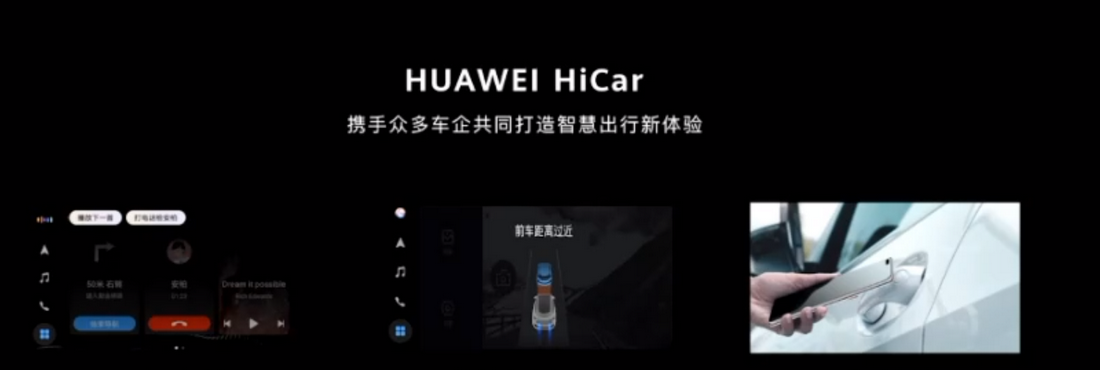
At the Huawei Developer Conference 2020, Huawei said it was planning 5 million new cars equipped with HiCar. R&D work on the Smart Car Screen continues. In partnership with Huawei, HiCar and Honor Choice of Spain, Huawei is developing a smart car display and wireless fast charging holder. Huawei will soon release the fast charge holder. The wireless fast charging car holder aims to provide a higher driving experience for drivers. It supports 15W fast wireless charging. With Huawei HiCar, you can connect to the phone with the smart car screen of the vehicle, video call from the smart screen, voice control, etc. You can use too many features integrated.
Huawei P40 lite gets 10.1.0.261 Update
Phones, Updates & Firmware

Huawei P40 lite gets 10.1.0.261 Update

Huawei started receiving 10.1.0.261 updates for P40 lite. The update makes security patches and optimizations for system performance. The update may be at different dates depending on the region and country. Before updating, check your Huawei P40 lite smartphone has enough charge. Update: 10.1.0.261 Update Detail: November 2020 security patchSystem stability optimization
Huawei Watch GT 2 Pro gets 10.1.3.40 update
Updates & Firmware, Wearables & Health

Huawei Watch GT 2 Pro gets 10.1.3.40 update

Huawei Watch GT 2 Pro started getting the 10.1.3.40 update. It is one of the best selling models among Huawei wearable products with its long charging time, support for HarmonyOS Applications and many features. To update Huawei Watch GT 2 ProThe update may be at different dates depending on the region and country. Make sure that the charge is at least 30%.Open the Huawei Health appTap Huawei Watch GT 2 ProFirmware updateIf there is a new update, tap the update. System stability and evacuation function to shortcut menu etc. What else has been updated in the Huawei Watch GT 2 Pro to which features have been added: Optimizing system stability.Function of evacuation to shortcut menu.Baidu map preload
Huawei Kirin-powered first laptop feature leaked
NEWS

Huawei Kirin-powered first laptop feature leaked

The information leaked from unofficial sources includes 8 GB RAM, 512 GB SSD and 14 inch 1080p display and Kirin 990 chipset. Operating system, Deepin OS 20 (Linux Based) operating system is installed. The name of the new laptop appears to be Qingyun L410. Expected to be Affordable. It also has an integrated 5G modem in its SoC. In terms of 5G, Huawei has the advantage of adding 5G modem feature to its products. The price of the laptop is not yet known, but it is known that it will enter the Chinese market first. It may be possible to upload to HarmonyOS in the future.
Huawei announced the 24-core Qingyun W510 desktop computer
Laptops & PCs

Huawei announced the 24-core Qingyun W510 desktop computer

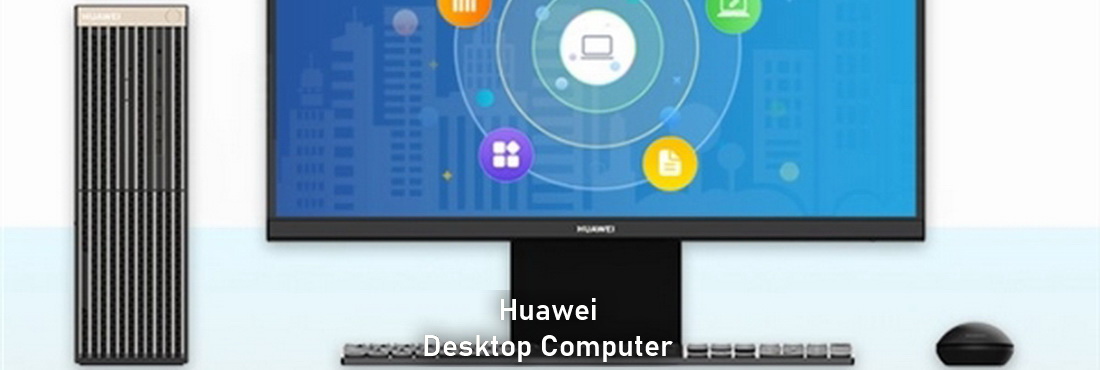
Announced that Huawei is offering Matestation desktop computers equipped with AMD processors for consumers. There is Huawei's own processor Kunpeng 920 and HiSilicon's self-developed standalone display, a new Qingyun W510 desktop computer for government and corporate users. Qingyun W510 desktop computer features:There are 24 Taishan v110 cores based on Kunpeng 920-3211K processor, 7nm processor Armv8.2. There is 512 GB SSD and 8 GB DDR4 memory. It has AMD 1GB discrete graphics and HiSilicon 1GB independent display option, 7 x USB Type-A, 1 x USB Type-C, 3.5mm headphone jack, ethernet capability and 23.8 inch Full HD monitor. OS:Qingyun W510 works with Deepin OS operating system and Windows Operating system cannot be installed due to the processor it uses.
EMUI 11.0.0.120 update for Huawei P30 series released, flash file transfer feature
NEWS, Updates & Firmware

EMUI 11.0.0.120 update for Huawei P30 series released, flash file transfer feature

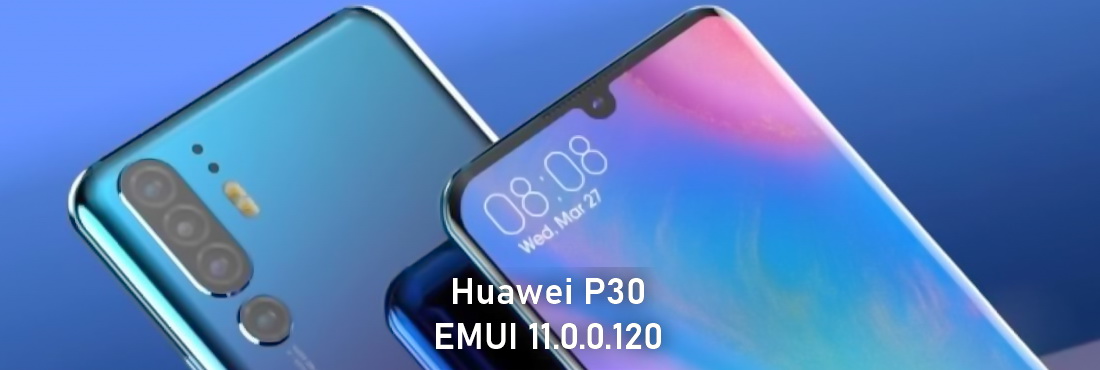
Huawei had previously released EMUI 11 version for the P30 series. The new EMUI 11 has also released the 11.0.0.120 update. The update version 11.0.0.120 is currently released in China. It is expected to be released in other countries and regions soon. EMUI 11 11.0.0.120 update security patches and flash file transfer feature added. EMUI 11.0.0.128 -> EMUI 11.0.0.120Huawei P30 vs Huawei P30 Pro Update What's New New flash file transfer functionOptimizes the display effect of the sound bar in some scenesNew bright screen dynamic effect Check for sufficient charge before updating.To update:Open Settings -> System updates -> Software update ->Check for updates -> Download and install
Huawei Nova 7 released EMUI 11.0.0.140 update, file transfer function added
NEWS, Updates & Firmware

Huawei Nova 7 released EMUI 11.0.0.140 update, file transfer function added

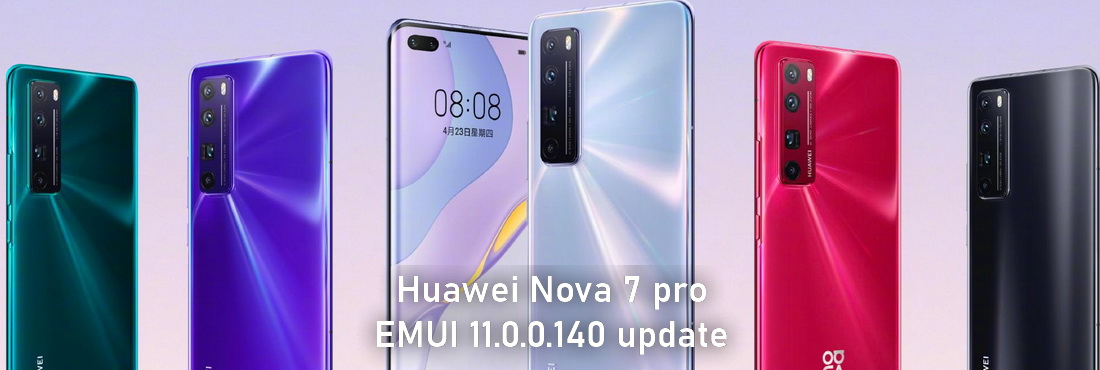
EMUI 11 stable version for Huawei Nova 7 and Nova 7 Pro was previously updated. Security, tweaks and new features have been added to the new 11.0.0.140 update. What has been updated to Huawei Nova 7 and Nova 7 Pro 11.0.0.140.Flash File Transfer, screen animation, screen optimization and security update. New file transfer functionality addedNew smart payment addedHigh quality video transmissionWeChat clone fixedImprove security patch and security update of smart phone system. EMUI 11.0.0.130 -> EMUI 11.0.0.140Huawei Nova 7 5G - JEF-AN00, JEF-AN20, JEF-TN00 and JEF-TN20Huawei Nova 7 Pro 5G - JER-AN10, JER-AN20, JER-TN10 and JER-TN20 To update: Open Settings Click System & updates Turn on software update Tap on Check for updates option
Social media & sharing icons powered by UltimatelySocial
Instagram